The accounting profession is changing rapidly.
For years, accountants have spent a significant portion of their time on repetitive tasks such as:
- Opening reports
- Exporting data to Excel
- Filtering transactions
- Reconciling balances
- Preparing management summaries
- Following up on overdue invoices
These activities are important, but they are time-consuming and often reduce the amount of time available for higher-value advisory work.
Today, Artificial Intelligence is making it possible to complete many of these tasks much faster.
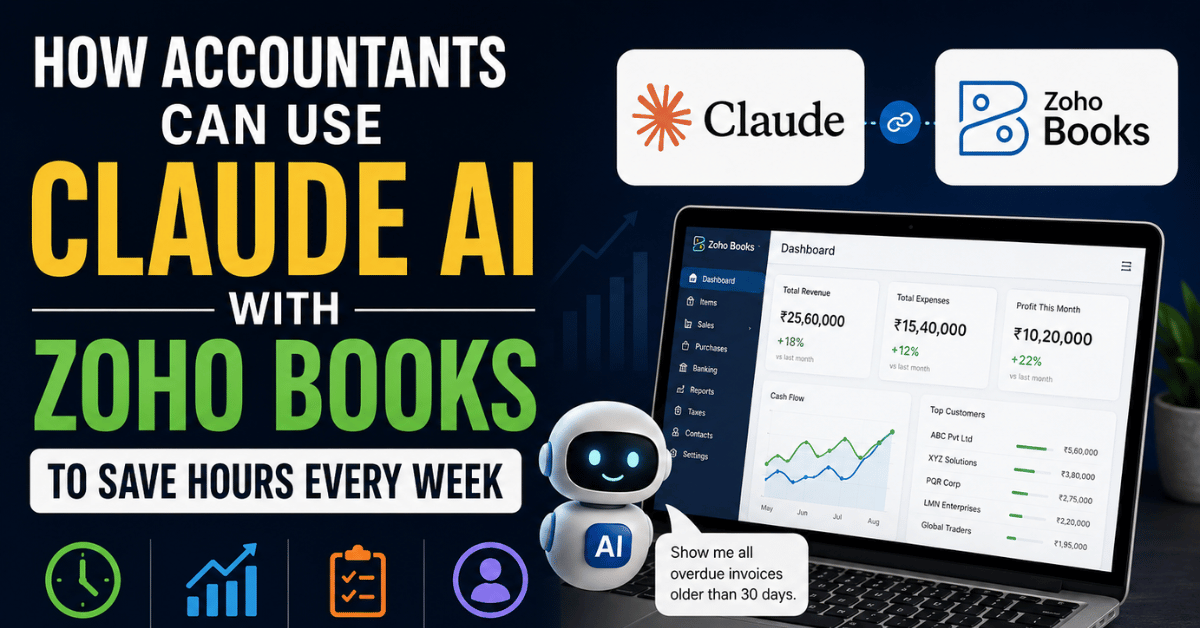
By connecting Claude AI with Zoho Books using Model Context Protocol (MCP), accountants can interact with live accounting data using plain English prompts.
This means you can ask questions like:
“Show all unpaid invoices older than 30 days.”
“Generate a summary of this month’s profit and loss.”
“Which customers have the highest outstanding balances?”
Claude retrieves the information directly from Zoho Books and presents it in seconds.
What Is Zoho Books MCP?
Model Context Protocol (MCP) is a standard that allows AI tools to connect securely with business applications.
When you connect Claude to Zoho Books:
- Claude becomes your AI accounting assistant.
- Zoho Books provides live financial data.
- MCP acts as the secure connection between the two.
Depending on the permissions granted, Claude can:
- Read invoices, bills, and expenses
- Analyze reports
- Create invoices
- Summarize financial performance
- Answer business questions
Why This Matters for Accountants
The real value of an accountant lies in interpretation and advisory, not in manually retrieving data.
AI helps reduce time spent on routine work so you can focus on:
- Cash flow management
- Profitability analysis
- Tax planning
- Client communication
- Strategic decision-making
This allows accountants to deliver more value in less time.
Tasks That Claude Can Perform with Zoho Books
After connecting Zoho Books with Claude, you can use prompts such as:
Receivables Management
- Show all overdue invoices.
- List customers with outstanding balances.
- Which customers are habitual late payers?
- Prepare an aging summary.
Profit and Loss Analysis
- Generate a profit and loss summary for this month.
- Compare this quarter with the previous quarter.
- Identify major expense increases.
GST Review
- Show GST collected this month.
- List invoices with missing GSTIN.
- Identify invoices with incorrect tax rates.
Cash Flow
- Estimate cash position at month-end.
- Show expected collections over the next 7 days.
Inventory
- Show low-stock items.
- Identify slow-moving products.
Management Reporting
- Prepare a one-page MIS.
- Summarize key financial risks and opportunities.
A Practical Example
Consider a client who asks:
“Can you send me a quick summary of how the business performed this month?”
Traditionally, you might:
- Open Zoho Books
- Run the Profit and Loss report
- Review receivables
- Check bank balances
- Analyze expenses
- Draft a summary
This could take 30 to 60 minutes.
With Claude, you can ask:
“Prepare a summary of this month’s revenue, expenses, profit, receivables, and cash position.”
Claude provides a structured summary within seconds.
Example Prompts to Save Time
Here are some highly practical prompts accountants can use:
- Show top 10 customers by sales this year.
- Which expense categories increased the most this month?
- Compare sales with last month.
- Identify duplicate invoices.
- Show unreconciled bank transactions.
- Which vendors are overdue for payment?
- Summarize cash inflows and outflows.
- Draft a follow-up list for overdue receivables.
- Explain the three most important financial concerns this month.
Time Savings for Accountants
The most significant benefit is time.
Tasks that often take 20 to 60 minutes manually can be reduced to just a few minutes.
Estimated Weekly Time Savings
- Receivables review: 1–2 hours
- Management reporting: 2–3 hours
- GST checks: 1–2 hours
- Expense analysis: 1 hour
- Cash flow review: 1 hour
For many professionals, this can translate into several hours saved every week.
New Revenue Opportunities
This technology also enables accountants to offer higher-value services, including:
- Monthly MIS reporting
- Virtual CFO support
- Cash flow forecasting
- Profitability analysis
- GST health checks
- AI integration consulting
Instead of billing only for compliance work, accountants can package and price advisory services more effectively.
How This Changes the Profession
AI is likely to automate many repetitive tasks, but it will increase demand for professionals who can:
- Interpret financial data
- Provide recommendations
- Communicate insights clearly
- Help businesses make better decisions
The role of the accountant is evolving from processor to advisor.
Security and Control
The connection between Claude and Zoho Books is permission-based.
You decide what access to grant, and you can disconnect the integration at any time.
As with any technology, accountants should review permissions carefully and maintain appropriate confidentiality practices.
How to Get Started
- Create accounts with Claude and Zoho Books.
- Open Claude’s Connectors section.
- Select Zoho Books.
- Authorize access.
- Start asking questions using natural language.
Official resources:
Final Thoughts
Connecting Claude AI with Zoho Books is a practical way for accountants to save hours every week.
By automating data retrieval, report generation, and preliminary analysis, AI allows professionals to focus on what matters most: helping clients understand their numbers and make better business decisions.
The future of accounting is not about replacing accountants.
It is about empowering accountants with better tools.
Those who adopt AI early will be better positioned to deliver faster insights, build stronger client relationships, and create more scalable and profitable practices.
If you are an accountant, Chartered Accountant, bookkeeper, or business owner, now is the right time to start exploring how AI can transform your work.
Connecting Claude AI with Zoho Books is one of the most practical ways to save time, automate reporting, and deliver deeper insights to clients.
The professionals who learn these tools today will be better positioned to build more efficient, scalable, and profitable practices tomorrow.
If you would like to learn how to use Zoho Books, AI tools, and automation to grow your accounting and tax practice, join the Digital Accounting Club.
Inside the community, you will learn practical skills in:
- GST
- Income Tax
- TDS and TCS
- Zoho Books
- Automation
- Artificial Intelligence
- Client acquisition
Whether you are a student, accountant, or practicing Chartered Accountant, these skills can help you move beyond compliance work and build a modern advisory-focused practice.
Visit Digital Accounting Club to learn more.